Keep each client’s accounts in their own workspace
30 September 2026 · Supermetrics Hub (beta)
With Allowed accounts, you choose which accounts behind a data source login each workspace can see. Everything else behind that login stays hidden. It’s in beta and already switched on for every team.
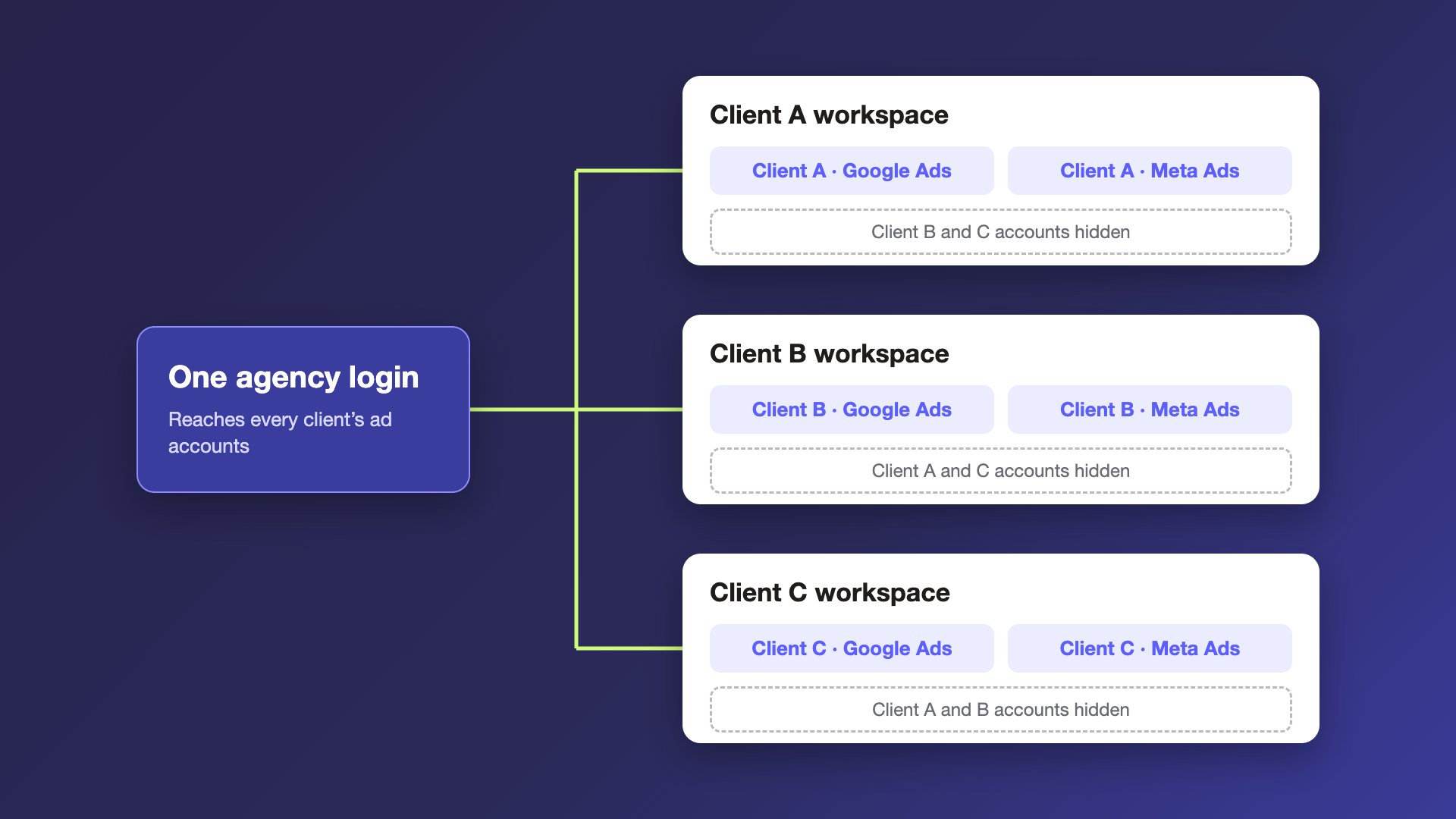
Clients give their agency access to their own ad accounts, so an agency often ends up with one login that reaches every client. Share that login into a client’s workspace and, until now, everyone in the workspace could see and query every account behind it, including other clients’. With AI tools pulling data on their own, another client’s numbers could end up in a report without anyone noticing. Allowed accounts lets each workspace show only the accounts that belong to it.
Choose what each workspace can see
For each data source login in a workspace, pick the accounts that belong there. The rest are hidden across Supermetrics. They don’t appear in account pickers, and nobody can reach them by typing the account ID, by choosing “All accounts” or by asking an AI assistant that pulls data through Supermetrics.
Start from block all
Each login has a default. Set it to allow all and hide the few accounts a workspace shouldn’t see, or set it to block all and allow each client’s accounts one by one.
When keeping clients apart matters most, start from block all. With allow all, any account added to the login later shows up in the workspace until someone hides it. With block all, new accounts stay hidden until you allow them.
Set it up for every client from one place
Owners and Admins of your main team can manage Allowed accounts for all of your client workspaces without switching into each one. Editors and Viewers can manage the connections they own.
Good to know
- Allowed accounts belong to the login, not the connection. Two connections that use the same login share the same settings.
- Connect the data source first, then choose its allowed accounts.
- It’s a Supermetrics setting. Permissions inside the ad platforms themselves stay as they are.
- It’s included in every plan that has workspaces.
